
Original → Declutter
Remove movable items. Keep the room.
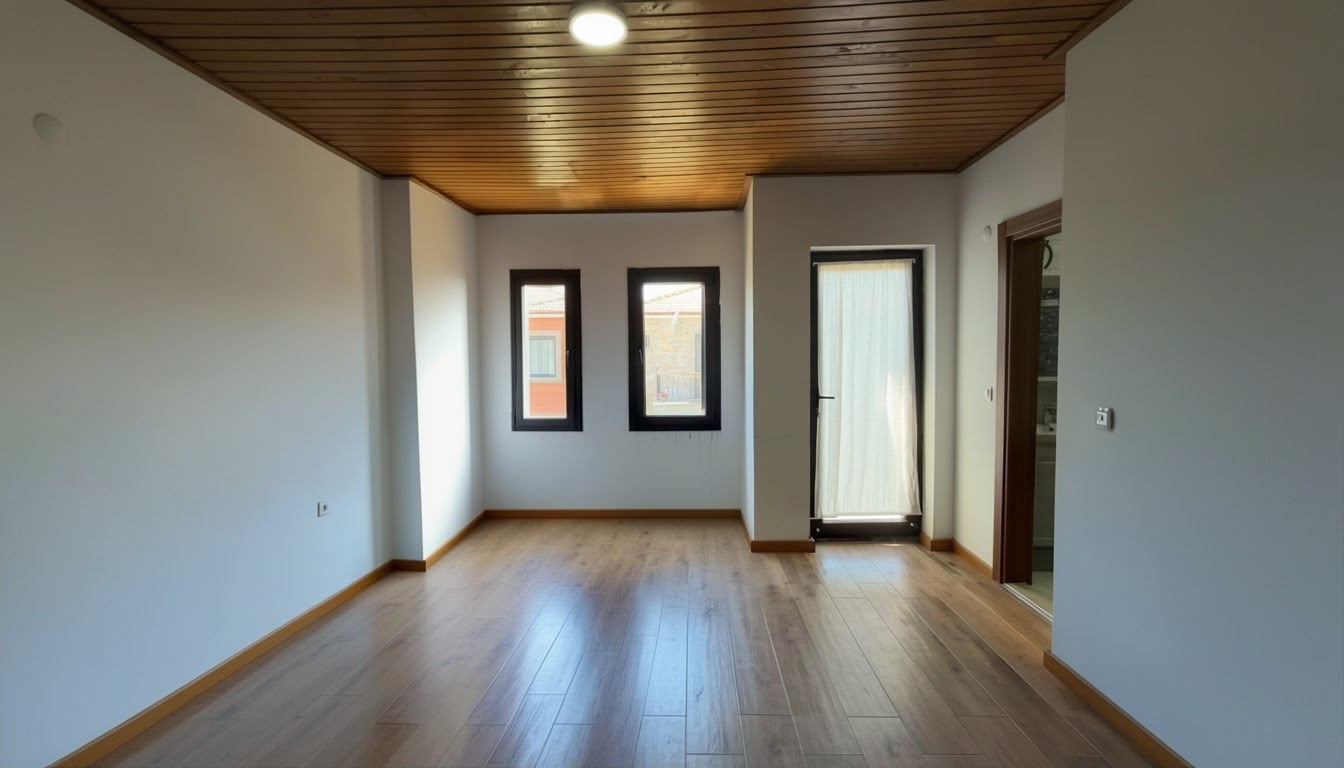
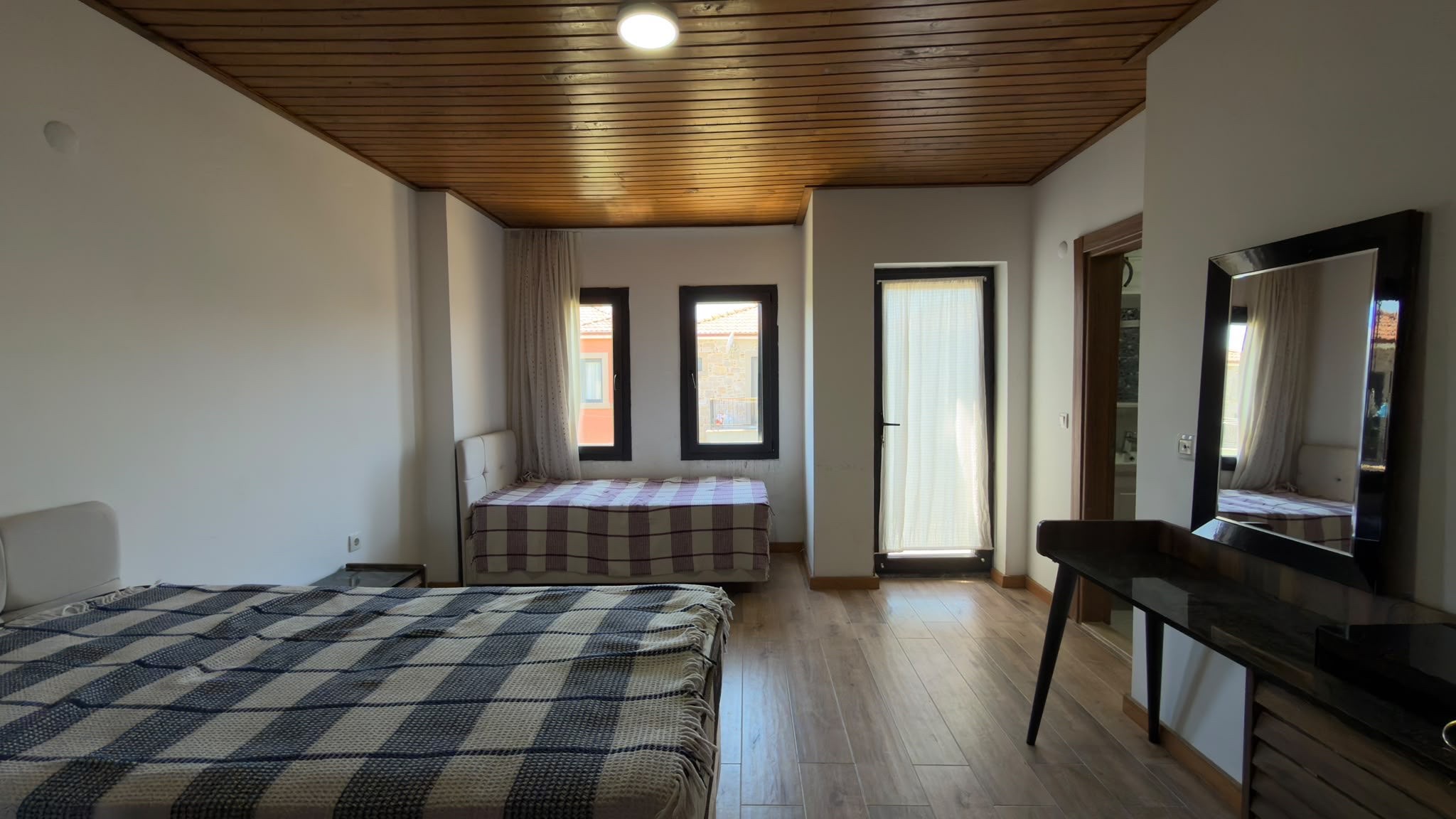 OriginalDecluttered
Real estate photos, made simpler
A room is not always photo-ready. Take or import the shot, improve what needs attention, then choose the photos you want to export, all in one place.
Remove movable items. Keep the room.
OriginalDeclutteredTurn an empty room into a furnished example.
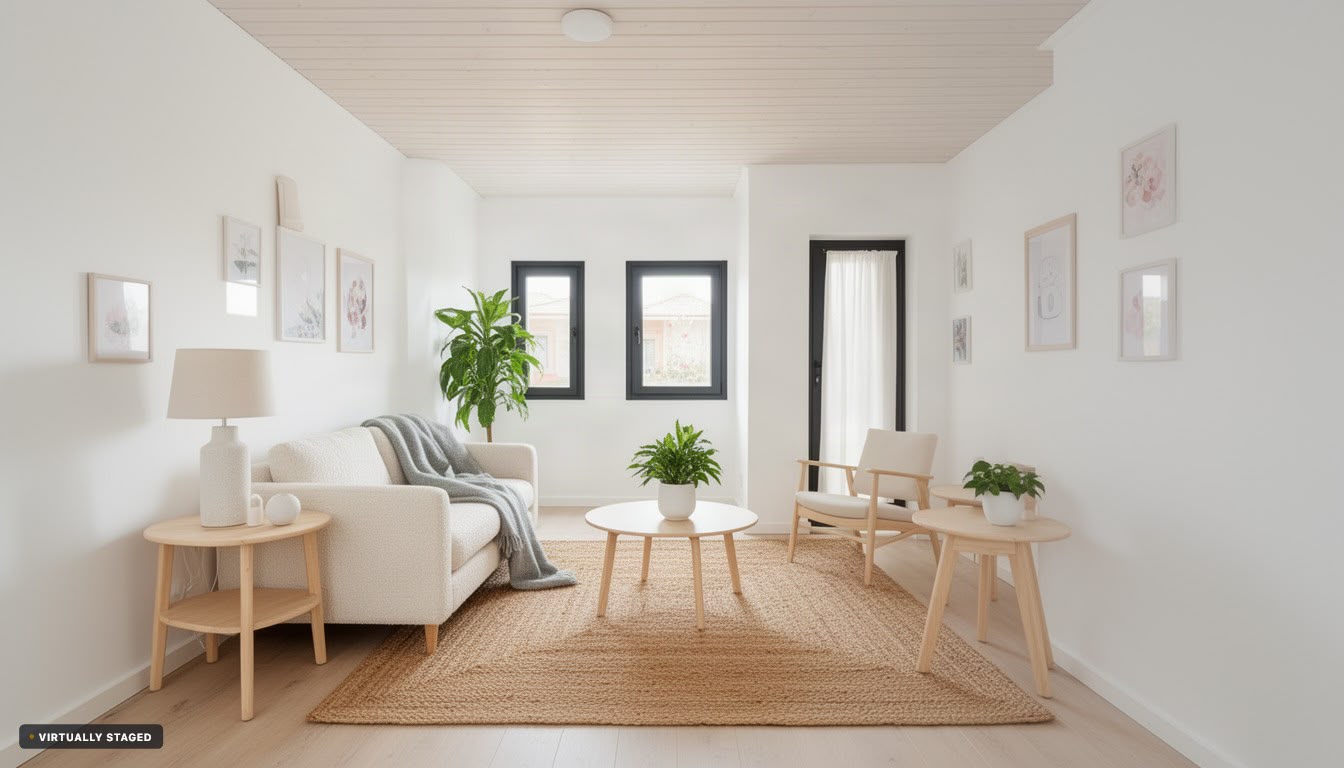 OriginalVirtually staged
Why CurbShot?
CurbShot turns the photos you have into a clean, consistent, listing-ready set without sending files between different tools or waiting for someone else to finish the job.
Take property photos on the spot or add the ones already on your phone. Everything stays with the listing.
Balance light and colour automatically, then review the enhanced result beside the untouched original.
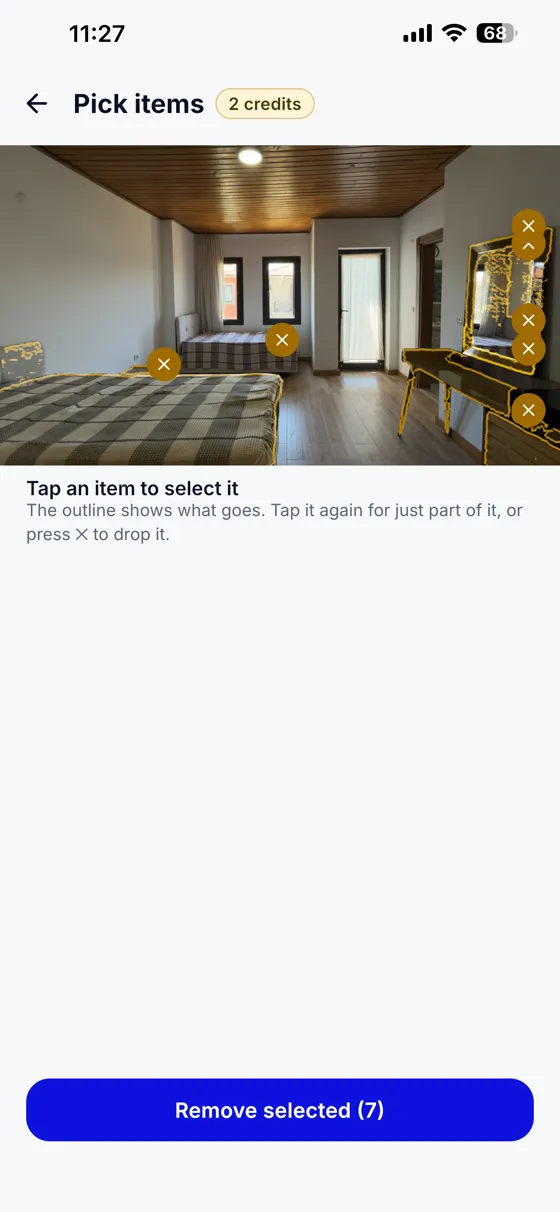
Remove loose clutter, selected objects, or every movable item when you need to show the room itself.
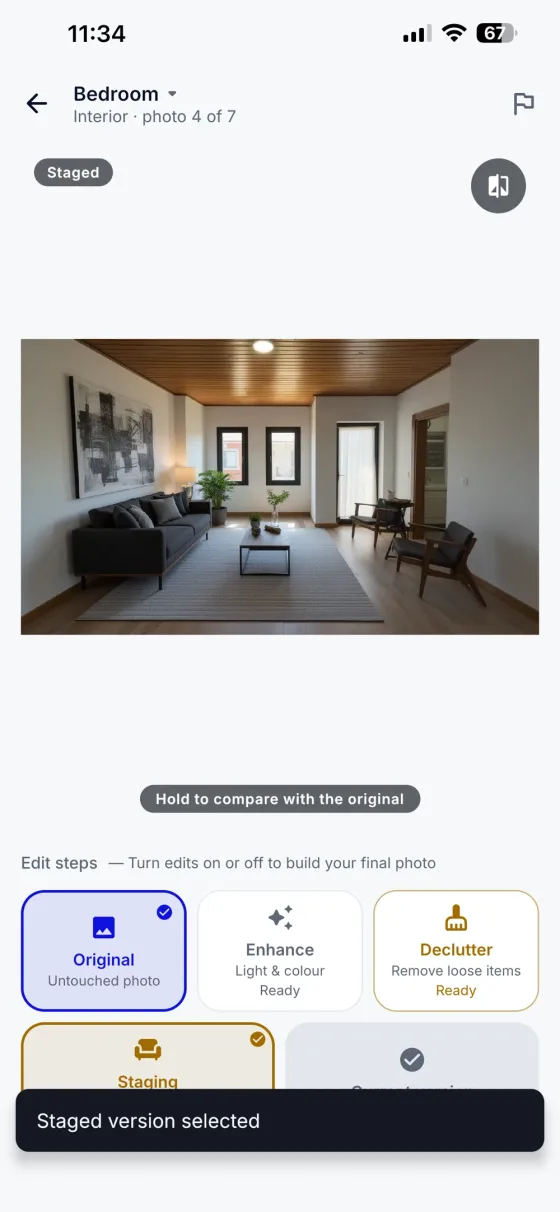
Virtually furnish an empty room, choose your preferred version, and export the final photos for the listing.
Inside CurbShot
Follow one listing from the first photo to a ready-to-share set. Declutter and Staging are there when you need them, not required steps.
Set up one place for the property and all its photos.
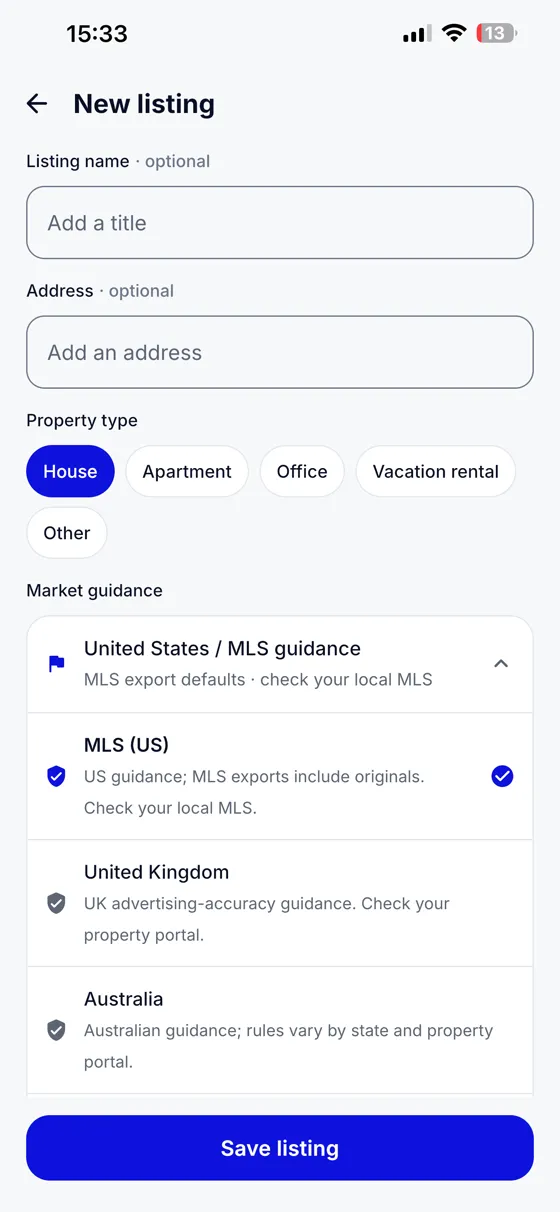
Take the shots in CurbShot or bring in photos you already have.
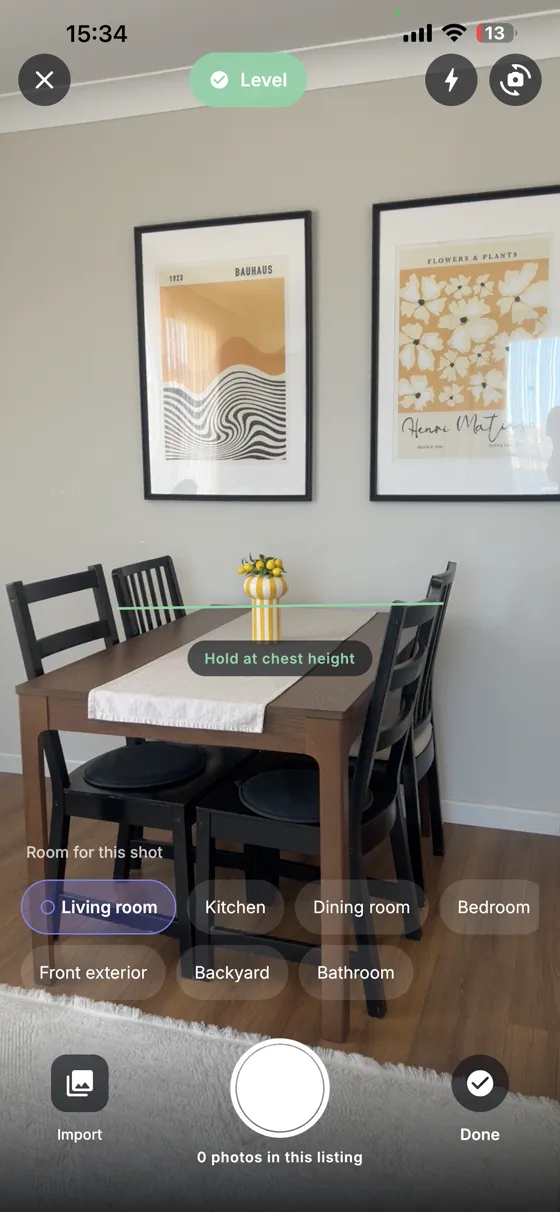
Light and colour are balanced automatically as photos are added. Review the result whenever you like.
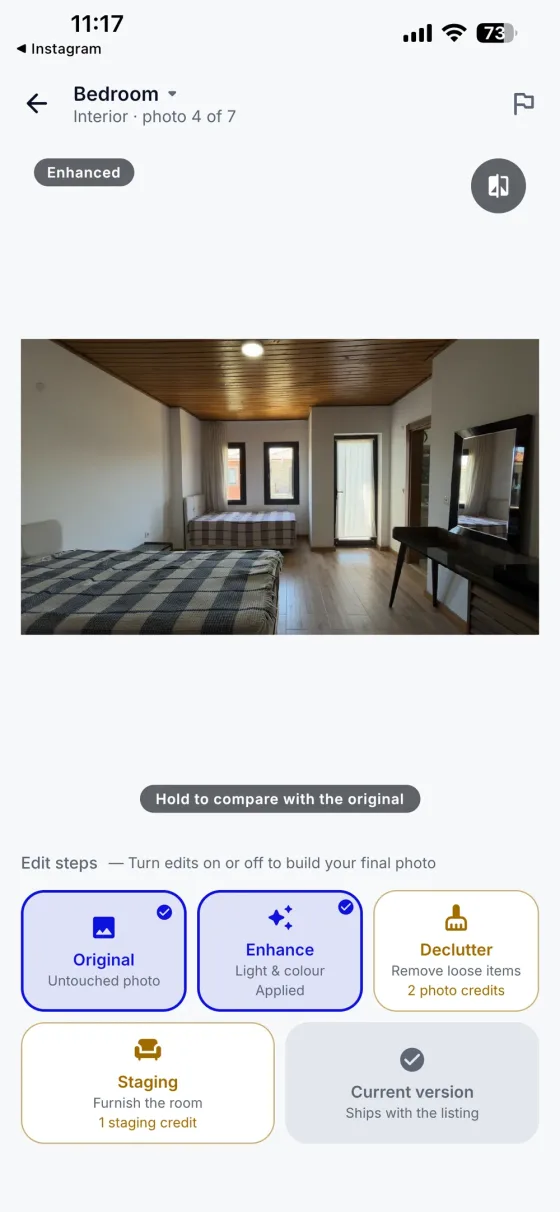
When a room needs it, select the movable items you want gone.
Try virtual furniture to help people picture an empty room. Virtual furniture is not physically present.
Review your selected photos and choose an export format for where they are going.
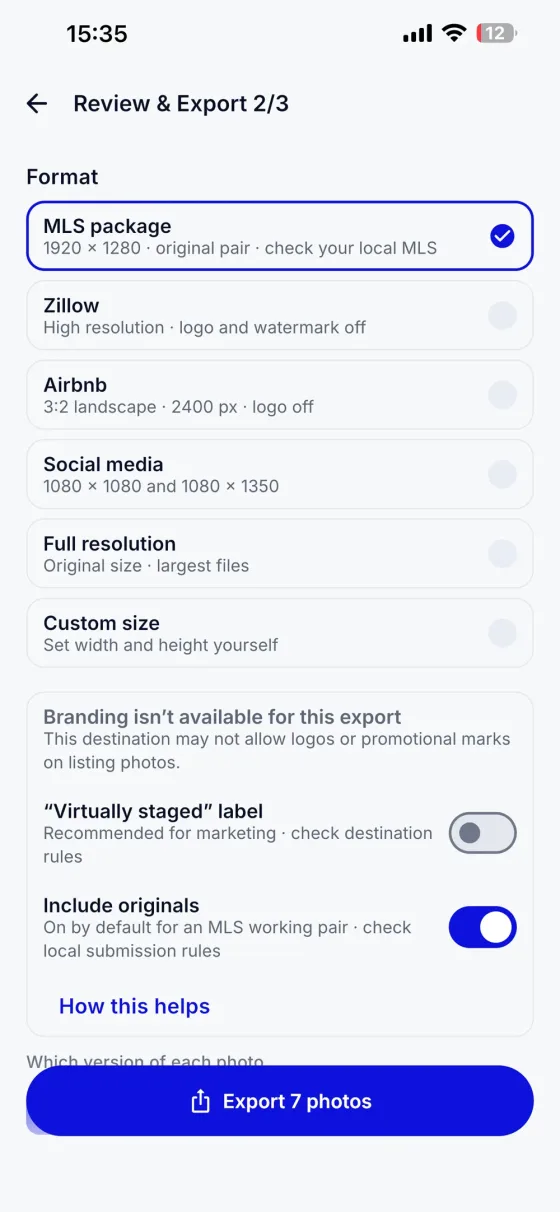
Screens are from the app. Optional edits may use credits; check the rules of your listing destination before publishing.
CurbShot helps you carry it through to the final export.